 LanWhisper
Voice typing that actually works.
Hold a key and talk. It appears wherever your cursor is. Free, no cloud, no account, and it works the first time.
Free. Linux coming soon.
Sound familiar?
Local mode never quite worked
Some popular free apps are built cloud-first, with local transcription bolted on. Getting it running is a project, and results are not guaranteed.
Subscription fees for local apps
Some local apps still charge you every month to run a model on hardware you already own.
Wiring up your own Whisper server
Finding an IP, picking a port, editing a config, redoing it when the router hands out a new address.
The dictation app that just works.
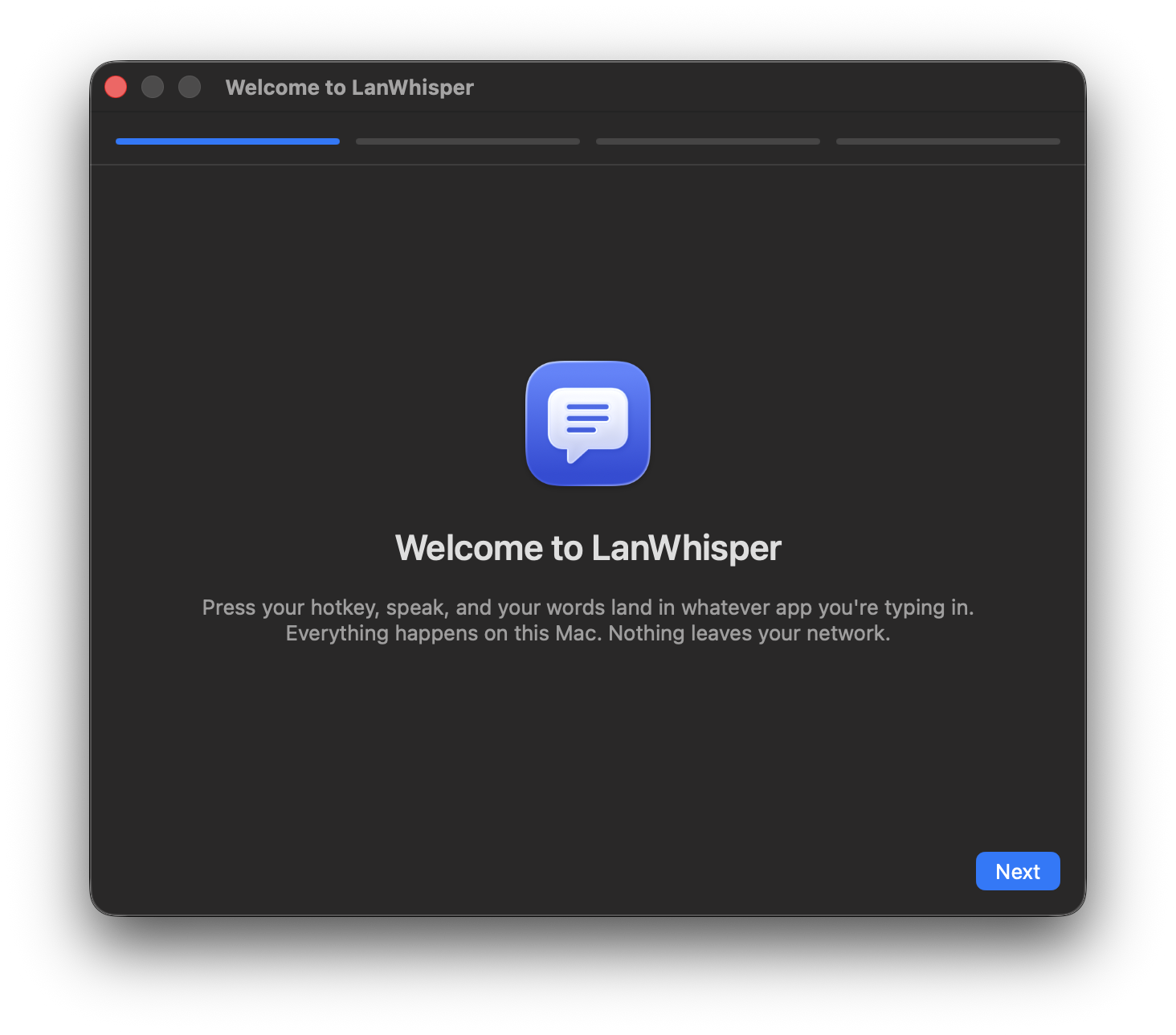
Free, and everything runs on your own computer. You install it like any other app and start talking. That’s it.
Install it and start talking.
No terminal, no config files, no IP addresses, no ports, no account, and no wall of options to wade through.
Use the fastest computer on your network.
If you install LanWhisper on multiple computers, the slower ones piggyback on the fastest. Automatically.
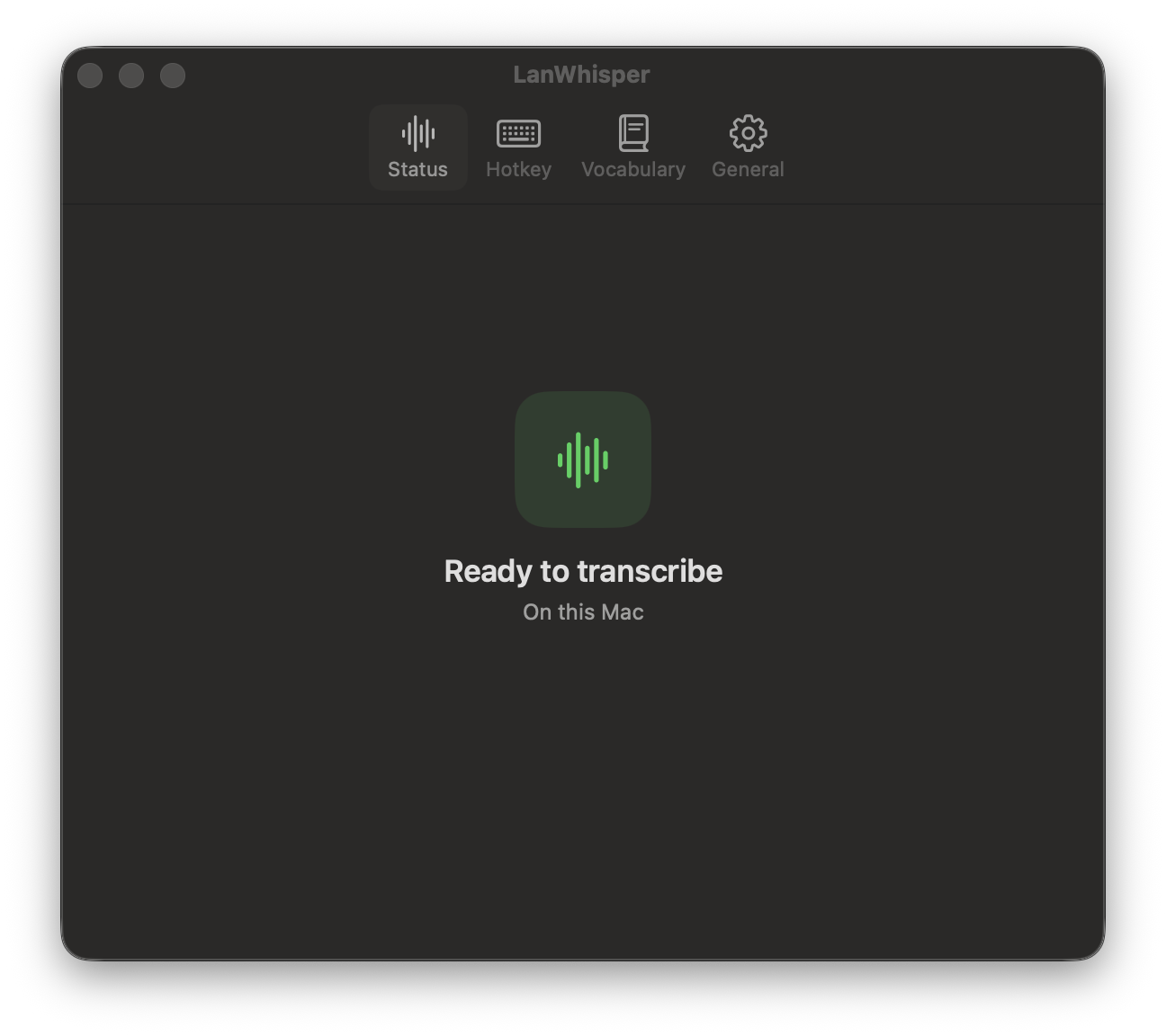
Your voice never leaves your computer.
There is no cloud option, because there is no cloud. Nothing is ever uploaded anywhere.
Free. No subscription, no account, nothing to cancel.
Native. Real Mac and Windows apps. Not a Chrome wrapper.

Independent. Built by one person who got tired of the alternatives.
Get LanWhisper. Free.
A normal installer. Nothing to sign up for, nothing to pay, and a clean uninstall if it isn’t for you.